Suspect a SIM swap? Protect the number, then the accounts.

A sudden loss of mobile service can have an ordinary cause. But if it appears with an unexpected SIM, eSIM, port, or account-change notice, treat the combination as a warning and contact your carrier through a channel you already trust.

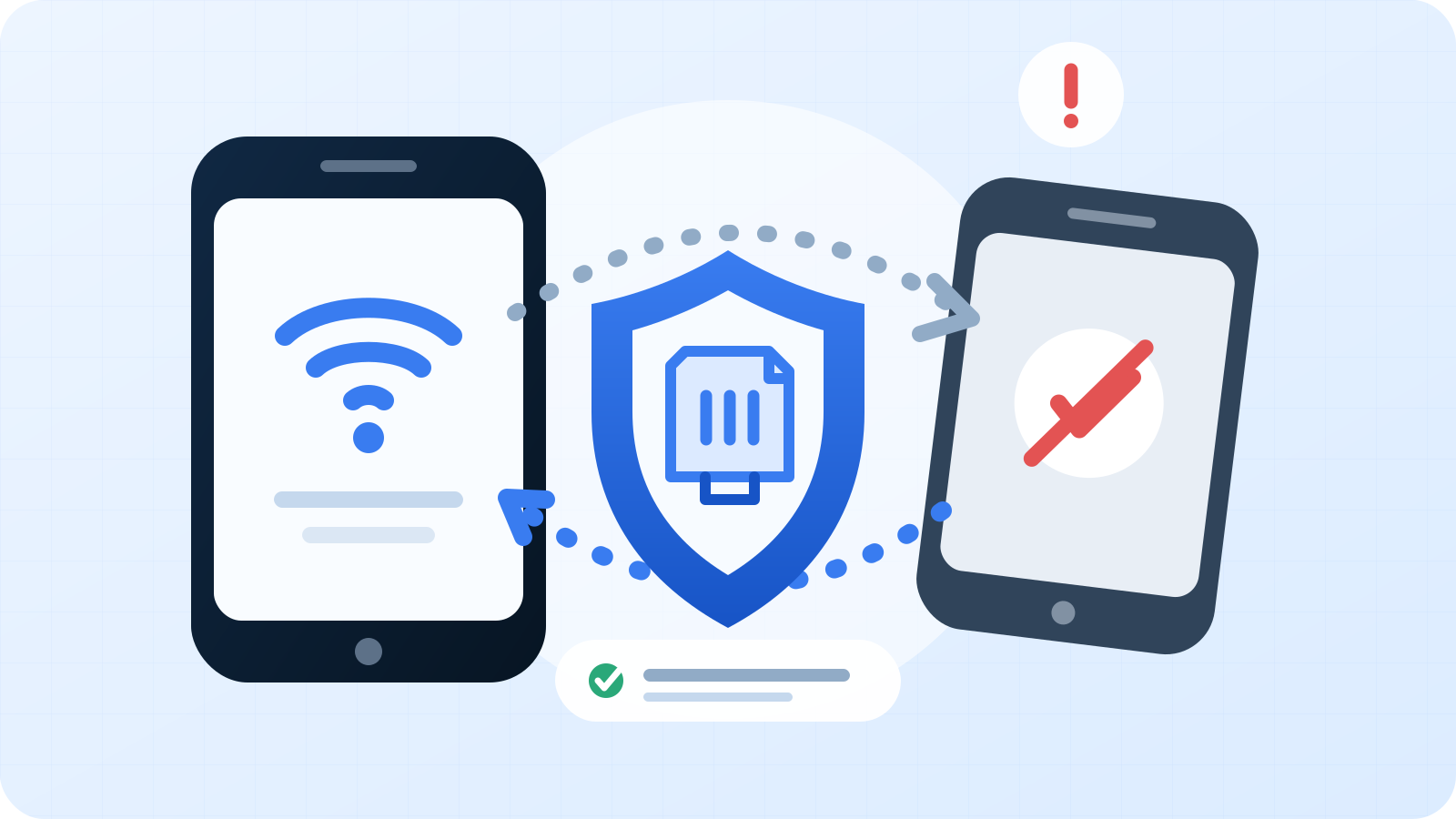
A mobile phone number moving toward an unknown device while a shield marks the recovery path
  1. Check for more than an ordinary outage

    No service by itself does not prove a SIM swap. Check whether other customers nearby are affected and whether your device shows a routine network or billing problem. Warning signs become stronger when the outage is paired with a carrier notice about a new SIM, eSIM, device, password, or number-transfer request you did not make.[1]

  2. Contact the carrier through a trusted route

    Do not use a link or phone number in an unexpected alert. On another device or a trusted connection, open the carrier's official app, type its known website address, call a number from a bill, or visit a store. Ask the carrier to stop or reverse any unauthorized SIM activation or port, restore your number, and tell you what changed and when.

  3. Lock down the mobile account

    After the carrier has verified you, change the account password and add or replace the account PIN. Ask which protections it offers for SIM changes and number transfers. A PIN is useful as one layer, not a guarantee; continue with the account checks below because the number may already have been used.[1]

  4. Secure email and password recovery

    Email often receives password resets for other services. From a device you trust, change any exposed or reused passwords, review recovery addresses and phone numbers, remove unfamiliar sessions or devices, and inspect forwarding rules. Start with email and any password manager before moving through other accounts.

  5. Call financial providers using known contact details

    Review bank, card, payment, and investment accounts for unfamiliar logins, transfers, charges, new recipients, or changed contact details. If anything is wrong, use the number on the card, statement, or provider's official site to report it promptly. Do not approve a verification request you did not initiate.[1]

  6. Move sensitive accounts away from SMS when possible

    Text-message codes are vulnerable when someone controls your number. Where a service supports them, prefer an authenticator app or security key, save new backup codes securely, and remove unknown authentication methods. Keep MFA enabled even when the strongest available option is SMS; it still adds a factor beyond the password.[1][2]

  7. Document the incident and check the wider impact

    Record carrier case numbers, timestamps, account changes, and unauthorized activity. Search your inbox for password-reset and security notices, and review important accounts for changed recovery settings. If a scammer has sensitive identity or payment information, use IdentityTheft.gov to build a recovery plan for the information involved.[1]

Educational information only. This is not legal, financial, or telecommunications advice. Carrier controls and account-recovery processes vary; follow current instructions from the provider through a verified channel.

Warning signs worth checking

Each signal can have another explanation. Verify quickly when several appear together.

Calls, texts, and data stop together
Check for an outage, then contact the carrier if service disappeared unexpectedly.
An unfamiliar SIM or device notice arrives
Open the carrier's official app or site independently; do not use the notice link.
Password-reset messages appear
Review email and sensitive accounts for resets, sessions, or recovery changes you did not initiate.
Financial details change
Contact the provider directly if you see a new recipient, transfer, charge, or changed contact method.

Reduce the opportunity before an attack

Use several controls so your phone number is not the only barrier around important accounts.

Add a carrier account PIN

The FTC recommends setting a PIN or password on the cellular account to help protect it from unauthorized changes.[1]

Share less identity data publicly

Public details can help an impostor answer account-verification questions. Review what your profiles reveal about your full name, address, phone number, and personal history.[1]

Verify requests independently

Phishing can collect the information used to access mobile and financial accounts. Contact the company through an address or number you know is genuine.[1]

Strengthen sensitive sign-ins

Use unique passwords and the strongest MFA each service supports. Authenticator apps and security keys do not depend on delivery to your phone number.[2]

SIM-swap FAQ

Two distinctions help avoid false reassurance and unnecessary panic.

Does no service always mean a SIM swap?

No. An outage, device fault, expired plan, or carrier issue can also interrupt service. Treat an unexpected outage as a reason to verify, especially when it appears with account-change alerts.

Does an eSIM prevent this problem?

An eSIM removes the risk of someone physically stealing a removable SIM, but the FCC says port-out scams remain a concern.[3]

Is SMS two-factor authentication useless?

No. It adds protection beyond a password, but it depends on control of the phone number. For sensitive accounts, use an authenticator app or security key when the service offers one.[1][2]

Sources and image note

Primary US consumer resources used for this guide.

  1. Federal Trade Commission — SIM Swap Scams: How to Protect Yourself
  2. Federal Trade Commission — Use Two-Factor Authentication To Protect Your Accounts
  3. Federal Communications Commission — Cell Phone Fraud

The 1600 × 900 SVG hero is an original vector illustration created for this article. It contains no stock photography, external fonts, scripts, tracking, or embedded third-party assets.