Phishing email or text? Check it before you click.

A phishing message tries to make you open a harmful link or attachment, disclose information, or act through a fake sign-in page. The safest first move is to stop and verify the request outside the message.

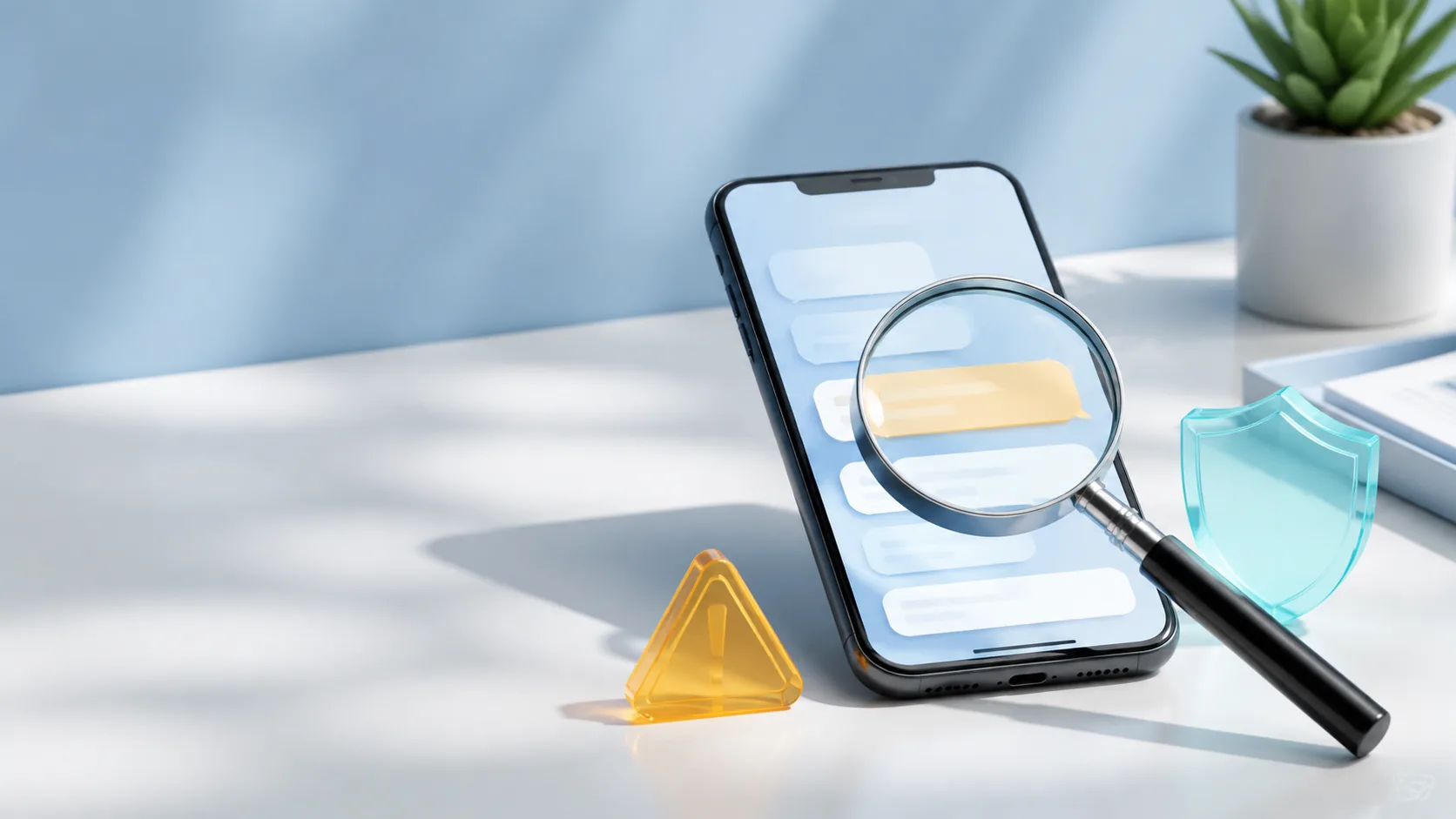
A magnifying glass inspecting a suspicious phone message beside a warning and shield
  1. Stop before interacting

    Leave links, buttons, QR codes, attachments, and reply fields untouched. A message can look polished, use a familiar logo, or appear in an existing conversation and still be fraudulent. Urgency is a reason to slow down, not a reason to bypass verification.

  2. Ask whether the request makes sense

    Did you expect this message? Did you initiate the password reset, delivery change, invoice, refund, or security check? The FTC says phishing messages commonly try to obtain passwords, account numbers, or Social Security numbers.[1]

  3. Evaluate the action, not just the sender name

    A display name or logo is not proof. Be cautious when a message asks you to sign in, confirm payment details, reveal a one-time code, install software, open an unexpected file, move money, or keep the request secret. Do not rely on a phone number or address included in the message to confirm itself.

  4. Verify through an independent channel

    Open the official app, type the known website address yourself, use the number printed on a card or statement, or contact the person through a previously saved number. If the real account shows no matching alert or request, treat the message as suspicious.

  5. Report the message, then delete it

    Use the mail or messaging provider’s phishing-report feature when available. The FTC also accepts fraud reports at ReportFraud.ftc.gov and explains that reports help identify patterns and support law-enforcement work, although it does not resolve individual reports.[2]

  6. Act promptly if you clicked or responded

    If you entered credentials, open the real service directly, change the password, sign out unfamiliar sessions, and enable MFA. If you shared financial information, contact the financial provider through an official channel. The FTC advises using IdentityTheft.gov for steps tailored to identity information that was lost or stolen.[1]

This checklist is general educational information. If money, identity data, or account access is at risk, contact the affected provider promptly through a verified channel.

Signals that justify a pause

No single formatting mistake proves fraud. Focus on the combination of context, pressure, and requested action.

Unexpected contact
The message concerns an order, account, payment, or reset you did not initiate.
Pressure to act now
The sender claims delay will cause immediate loss, closure, arrest, or missed payment.
Sensitive information request
The message asks for a password, account number, Social Security number, or one-time code.
Unusual route
The sender pushes you toward a supplied link, attachment, QR code, remote-access tool, or unfamiliar payment method.

Phishing FAQ

Direct answers for the moment when a message feels almost legitimate.

Can a real company send an unexpected security message?

Yes, which is why appearance alone is not enough. Do not use the message to verify itself. Open the official app or contact the company through information you already trust, then look for the same alert there.

Should I reply and ask whether the message is real?

No. A reply keeps you inside the unverified channel. Start a new contact through the organization’s official site, app, statement, card, or a previously saved number.

What if I opened the message but did not click?

Simply viewing a message is different from submitting information, opening an attachment, installing software, or granting access. Avoid further interaction, report the message, and follow your provider’s security guidance if anything downloaded or behaved unexpectedly.

Sources

Primary government resources used for this checklist.

  1. Federal Trade Commission — How To Recognize and Avoid Phishing Scams
  2. Federal Trade Commission — ReportFraud.ftc.gov